
Video Extraction API Types: A Developer's Guide for 2026
Video extraction API types are specialized interfaces that enable developers to pull metadata, transcripts, frames, or transformed video files from media sources for integration into processing pipelines. The four core categories are metadata extraction, transcript and caption extraction, frame and segment extraction, and transcoding APIs. Each solves a different problem, and choosing the wrong one wastes compute budget and engineering time. Tools like Google Gemini's Video Understanding API, FFmpeg Micro, and the YouTube Data API represent distinct approaches to video processing APIs, and understanding their differences is what separates a clean pipeline from a brittle one.
1. Video extraction API types: the four core categories
Video extraction APIs fall into four distinct functional categories, and each maps to a specific stage in a media processing workflow. Metadata extraction APIs retrieve structural information about a video file without decoding its content. Transcript APIs pull spoken language as text with timestamps. Frame extraction APIs sample visual content at defined intervals. Transcoding APIs convert or trim video streams and deliver the output to a destination.
The distinction matters because developers often conflate these categories and reach for a general-purpose tool when a specialized API would be faster and cheaper. A transcription SaaS platform does not need a transcoding API. An AI lab building a video dataset does not need a caption API as its primary ingestion layer. Matching the API type to the extraction task is the first decision, and it shapes every architectural choice that follows.

2. Metadata extraction APIs: what they do and top examples
Metadata extraction APIs retrieve structured information about a video without processing its visual or audio content. Typical outputs include codec, container format, duration, frame rate, resolution, bitrate, and MIME type. These APIs are the fastest and cheapest category because they read file headers rather than decode streams.
The YouTube Data API is the canonical example for platform-hosted video. It returns JSON resource objects via standard REST operations like "videos.list`, covering title, description, duration, view count, and upload date. It does not decode the media file itself, which makes it fast but limited to platform-level metadata. For file-level metadata on raw video assets, Google Gemini's File API goes further. It supports files up to 20GB on paid tiers and 2GB on free tiers, accepting formats including mp4, webm, and 3gp.
| API | Input formats | Max file size | Key output | Limitation |
|---|---|---|---|---|
| YouTube Data API | Platform URLs | N/A | Platform metadata JSON | No raw file access |
| Google Gemini File API | mp4, webm, 3gp, mov | 20GB (paid) | Codec, duration, frame data | Sampling at 1 FPS default |
| ApyHub Video Metadata | mp4, avi, mkv | Varies by plan | Duration, resolution, codec | No AI-enriched output |
Pro Tip: When working with reusable or large video files, upload once via the File API and reference the file URI across multiple requests rather than re-uploading on every call. This cuts latency and avoids hitting upload rate limits.
3. Transcript and caption extraction APIs: features and workflows
Transcript extraction APIs convert spoken audio in a video into timestamped text, which powers subtitles, search indexing, accessibility compliance, and AI summarization. The output format is almost always JSON, with each segment carrying a start time, duration, and text string.
A well-architected transcript API uses a three-step pipeline. First, it attempts to pull existing captions via a platform's native caption system, such as YouTube's Innertube caption endpoint. Second, if captions are absent or low quality, it falls back to a speech recognition model. Whisper fallback transcription is the standard approach here, using OpenAI's Whisper model to generate captions from raw audio. Third, an optional AI summary layer condenses the transcript into structured output for downstream consumption.
Key challenges developers encounter in this category:
- Caption track inconsistency. Auto-generated and manually uploaded captions differ in segmentation granularity. Caption mismatches between tracks require pipelines to use API-provided start and end timestamps for chunking rather than assuming uniform boundaries.
- Language detection gaps. Many caption APIs default to English and fail silently on multilingual content.
- Timestamp drift. Some APIs return approximate timestamps that diverge from actual audio events by several seconds, which breaks subtitle synchronization.
Pro Tip: For RAG pipelines, always chunk transcript segments using the API-provided timestamps rather than splitting by character count or sentence boundaries. API-provided timestamps are the only reliable unit of segmentation when caption tracks vary in granularity.
4. Frame and segment extraction APIs: capabilities and use cases
Frame extraction APIs sample a video's visual content at defined intervals and return images or image arrays for downstream analysis. The primary use cases are video understanding models, content moderation, thumbnail generation, and training dataset construction.
Google Gemini's File API defaults to 1 FPS sampling when processing video for visual understanding tasks. That rate works for slow-moving content like lecture recordings or product demos, but it misses fast events in sports footage or action sequences. Developers can configure a custom frame rate to capture relevant visual moments without processing every frame in the file. For thumbnail extraction techniques and frame-level analysis, this configurability is what separates a useful API from a rigid one.
Practical considerations for this API type:
- Input size limits. Most frame extraction APIs impose token or file size caps. Sending a two-hour raw video to a vision API is expensive and slow.
- Segment extraction via prompts. Some AI-backed APIs accept natural language prompts to identify and extract specific segments, such as "extract all frames where a product is visible."
- Cost optimization. Sending minimal input by precomputing key frames or short clips before calling a vision API reduces token allocation and inference latency significantly.
The cost argument for frame extraction APIs is strong when you are building video datasets at scale. Extracting 10 frames per minute from a 60-minute video and passing only those frames to a vision model costs a fraction of passing the full video stream.
5. Transcoding and transformation APIs: how they work
Transcoding APIs extract video by converting or trimming media streams and delivering the output in a target format. Unlike the previous three categories, transcoding APIs are output-oriented. The goal is not to read data from a video but to produce a new video file in a different codec, resolution, or container.
FFmpeg Micro is the clearest example of a direct FFmpeg service API. Clients pass raw FFmpeg options via JSON to customize codec, quality, resolution, and filters in a single transcoding job. This is fundamentally different from preset-based transcoding APIs that offer a fixed menu of output configurations. The flexibility matters for teams that need frame-accurate trimming, custom bitrate ladders, or filter graph operations.
The job lifecycle for a managed transcoding API follows a consistent pattern:
- Client requests a presigned upload URL from the API.
- Client uploads the source file directly to cloud storage via that URL.
- Client submits a transcoding job with the desired output parameters.
- Client polls the job status endpoint until completion.
- Client downloads the output using a signed URL that expires after 10 minutes.
"Uploads happen directly to cloud storage via presigned URLs; only authenticated clients can trigger jobs; download URLs expire after 10 minutes; files do not persist beyond processing." — FFmpeg Micro security model
This architecture means the API provider never stores your video files long-term, which reduces both cost and compliance risk. Secure transcoding APIs isolate sensitive video processing away from public servers, removing the need to patch and maintain your own FFmpeg infrastructure.
6. Comparing video extraction API types: which to use when
Choosing between API types comes down to three variables: what you need to extract, where the source video lives, and what your downstream system expects as input.
| API type | Typical input | Output | Best for | Key limitation |
|---|---|---|---|---|
| Metadata extraction | File or platform URL | JSON (codec, duration, format) | Cataloging, deduplication | No content analysis |
| Transcript extraction | Platform URL or audio | Timestamped JSON text | Search, RAG, accessibility | Quality depends on source captions |
| Frame extraction | Video file or URL | Images or image arrays | Vision models, moderation | Token and file size caps |
| Transcoding | Video file | New video file | Format conversion, trimming | Higher cost per job |
The most common mistake in media pipeline design is using a transcoding API when a metadata API would answer the question. If you need to know whether a video is in H.264 or H.265 before deciding how to process it, a metadata API call costs microseconds. A transcoding job costs seconds and compute budget.
Pro Tip: Combine API types in sequence for complex pipelines. Use a metadata API to filter and route files, a transcript API to generate text for indexing, and a frame extraction API to produce training images. Calling each API type only when its output is actually needed cuts total pipeline cost by a significant margin.
For teams building at scale across YouTube, TikTok, or Instagram, the best YouTube extraction APIs comparison covers how platform-specific constraints affect which API type performs reliably in production.
Key takeaways
Selecting the right video extraction API type requires matching the API's output to your pipeline's actual input requirements, not defaulting to the most familiar tool.
| Point | Details |
|---|---|
| Four core API types | Metadata, transcript, frame, and transcoding APIs each solve a distinct extraction problem. |
| Match API to task | Using a transcoding API for metadata retrieval wastes compute and budget. |
| Timestamp reliability | Always use API-provided timestamps for transcript chunking, not character or sentence splits. |
| Frame rate configuration | Custom FPS settings are required for timestamp-sensitive video understanding tasks. |
| Security in transcoding | Presigned upload URLs and expiring download links keep video files off persistent public servers. |
Why most developers pick the wrong API type first
I have reviewed enough video pipeline architectures to say with confidence that the most common error is not a bad API choice. It is skipping the requirements definition step entirely. A team decides they need "a video API," picks the first result on a search, and builds around it. Three months later they realize they needed timestamped transcripts but built around a transcoding API that does not produce text output at all.
The second mistake I see consistently is ignoring frame rate configuration. Developers accept the 1 FPS default in Google Gemini's File API without asking whether their use case requires it. For a lecture summarization tool, 1 FPS is fine. For a sports highlight detector, it is completely wrong. The API is not at fault. The developer never read the sampling documentation.
Fallback strategies for transcript extraction are undervalued. Teams build pipelines that assume captions exist on every video. When they hit a video with no captions and no Whisper fallback configured, the pipeline fails silently and produces empty records. A Whisper fallback is not optional infrastructure. It is the difference between a pipeline that works on 60% of videos and one that works on 98%.
My honest recommendation: write down what your downstream system needs as input before you evaluate a single API. If it needs text with timestamps, you need a transcript API. If it needs images, you need a frame extraction API. If it needs a different video file, you need a transcoding API. The API market has good options in every category. The selection problem is almost always a requirements problem in disguise.
— Alexandre
Build on infrastructure that handles the hard parts
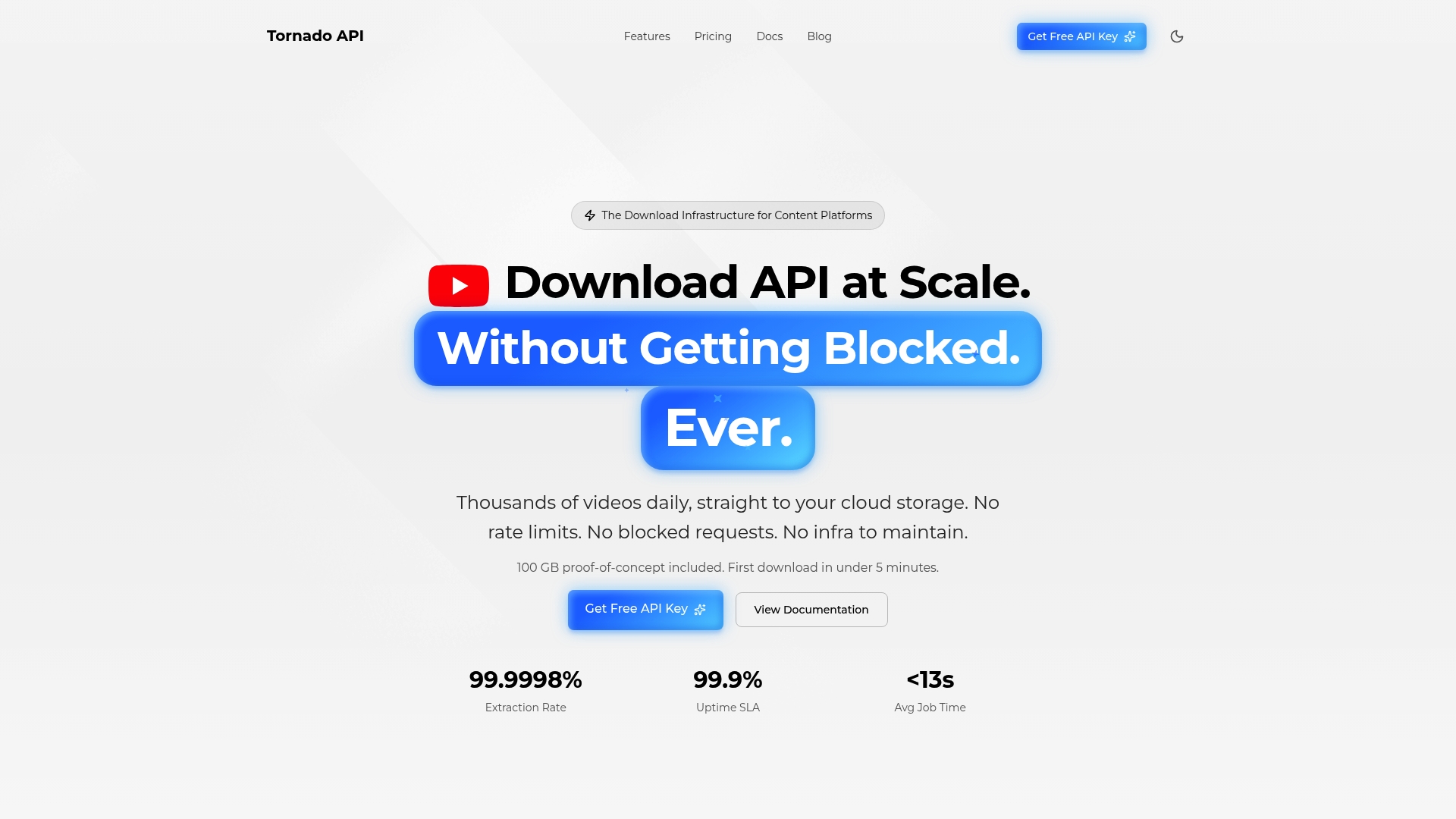
Tornadoapi sits between YouTube, Spotify, Instagram, TikTok, and your processing pipeline. One API call handles anti-bot systems, proxy rotation, format normalization, and direct cloud delivery to S3, R2, GCS, or Azure. Tornadoapi delivers 300 TB per month at 99.998% extraction reliability with 50 Gbps capacity. AI video tools, transcription SaaS platforms, and frontier AI labs use Tornadoapi because it ships a contractual SLA on reliability, not a toolbox to manage. If your team is evaluating video extraction infrastructure for a production pipeline, book an infra-to-infra call at Cal.com/velys/30min.
FAQ
What are the main video extraction API types?
The four main types are metadata extraction, transcript and caption extraction, frame and segment extraction, and transcoding APIs. Each type produces a different output and fits a different stage in a media processing workflow.
When should I use a transcript API vs. a frame extraction API?
Use a transcript API when your downstream system needs text, such as for search indexing, RAG pipelines, or accessibility. Use a frame extraction API when your system needs images, such as for vision model training or content moderation.
How does FFmpeg Micro differ from preset transcoding APIs?
FFmpeg Micro allows clients to pass raw FFmpeg options via JSON, enabling custom codecs, filters, and resolutions. Preset transcoding APIs offer fixed output configurations with no access to underlying FFmpeg parameters.
What is the default frame rate for Google Gemini's video API?
Google Gemini's File API samples video at 1 FPS by default. Developers can configure a custom frame rate for applications that require higher temporal resolution, such as action detection or sports analysis.
Why do transcript pipelines need a Whisper fallback?
Many videos lack existing captions or have low-quality auto-generated tracks. A Whisper fallback ensures the pipeline produces transcript output even when platform captions are absent, preventing silent failures in production.